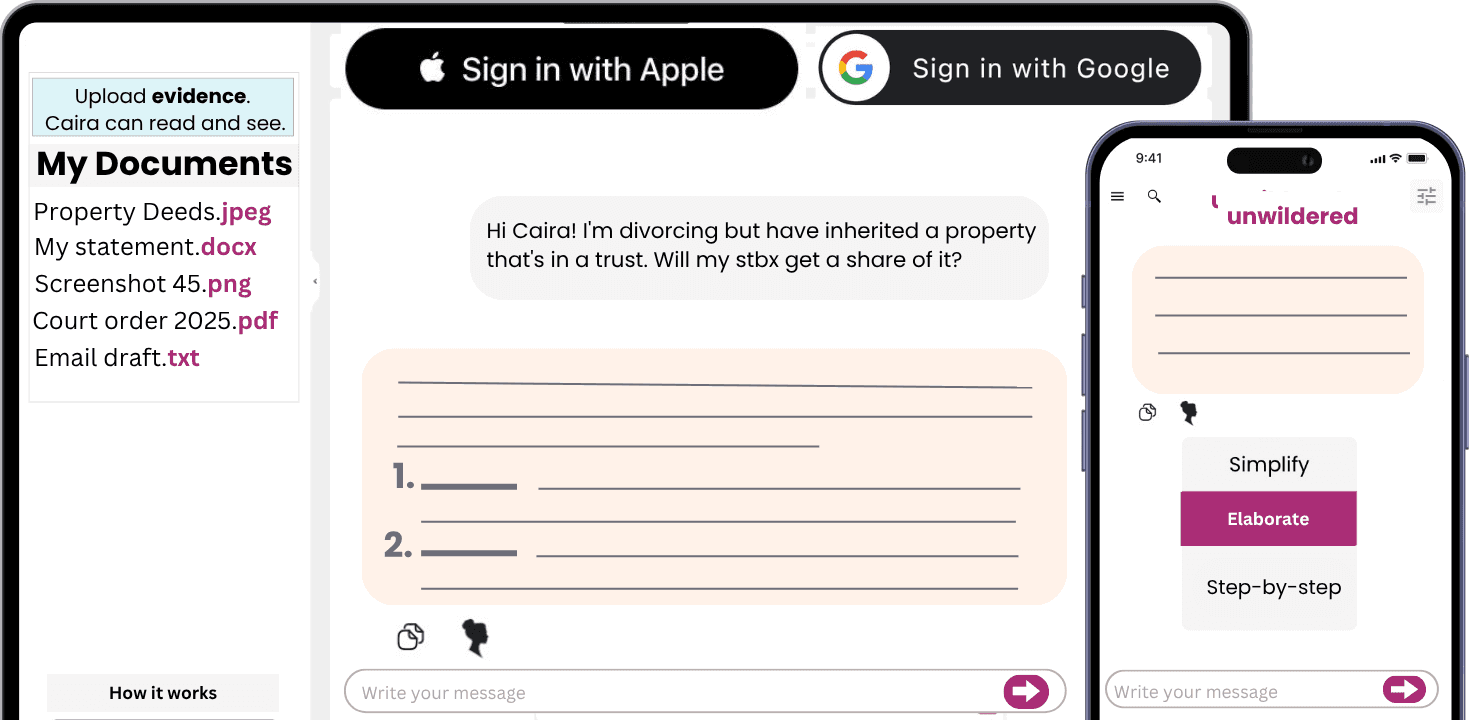
Working on Express Warranty Risk from Marketing Claims? The so what is simple: if the file cannot show authority, version, evidence, threshold, deadline and owner, the final legal or commercial decision is harder to trust. Upload the relevant files to Caira and turn them into a reviewable checklist.
Open Caira
Start with the decision the file needs to support. Then build the evidence index before conclusions harden. Separate missing information, business decisions, legal assumptions and filing mechanics. Keep dates, document versions and named owners visible from the start.
Official Data Points To Anchor The File
Use these source-backed checks to make the page practical rather than generic.
UCC section 2-313 can create express warranties through affirmations of fact, promises, descriptions, samples or models.
Puffery, specifications, sales scripts and website claims should be separated because they carry different risk.
Warranty files should preserve the order form, product documentation, marketing copy, disclaimers and customer reliance evidence.
So What
Express Warranty Risk from Marketing Claims matters because the risk is usually not one missing paragraph. It is traceability. You need to connect outward-facing product promises to the warranty and remedy file, while keeping source authority, operative documents, approval mechanics, evidence ownership and unresolved assumptions separate.
The goal is not to replace a source document with a summary. The goal is to make the record easier to inspect: what was requested, what rule or contract term controls it, what was approved, what evidence supports it, what is missing, what has been escalated and what still needs a responsible decision.
Two Situations Where This Comes Up
Scenario 1. A hardware company sells $5.6 million of connected devices to a national customer. The sales deck promises uptime, security updates and easy integration, but the order form has a narrow warranty and a liability cap. The seller wants predictable exposure; the customer wants a remedy if the product fails in the field.
Scenario 2. After deployment, firmware problems interrupt operations at 19 sites and the buyer claims consequential losses. The contract team has to compare marketing claims, specifications, disclaimers, limited remedies and support commitments before anyone knows what leverage either side has.
Common Issues This Solves
This issue usually shows up in practical ways. Sales teams may make product promises that contract terms do not support. Website and pitch-deck claims need version capture.
It also creates review friction later. Specifications, quotes and invoices can create inconsistency with disclaimers. Customer complaint files help show which claim became material.
Documents To Collect
website, brochure, pitch deck and specification claims
sales quotes and order acknowledgements
signed agreement and warranty section
disclaimer and limitation-of-remedy terms
customer complaint or return records
governing-law and product-line notes
Authorities And Records To Check
Start with the authority or record that controls the issue, then check the actual document set in front of you. Where state, agency, court or county rules differ, keep the jurisdiction-specific authority and the reviewed document together.
For this page, the authority check should stay tied to the actual file. UCC warranty sources make disclaimer and remedy review sensitive to wording and presentation. The checklist is anchored to California and Florida warranty sources already in the index. The practical file should compare marketing promises, technical specifications and contract disclaimers rather than reviewing the contract in isolation.
Review Points For The File
Use this as a compact review table. It keeps the legal source, the working document and the final disposition in the same line of sight.
Check | What To Confirm |
|---|---|
Authority | Identify the governing statute, rule, form, agency guidance, court record, county rule or contract provision before drafting. |
Version | Lock the document draft, exhibit set, source page or PDF, review date and signer or filing status. |
Issue type | Tag each point as approval, filing, notice, closing condition, confidentiality, deadline, monetary exposure, control failure or remediation. |
Evidence quality | Distinguish primary documents from summaries, screenshots, management explanations, review notes and unresolved assumptions. |
Disposition | Record the owner, authority reference, document cite, proposed action, final decision and date closed. |
How To Use This Checklist
Work from one index before any memo, filing, notice or redline is finalized. Create a column for source authority and a separate column for the actual file or exhibit that supports the point. Mark each gap as factual, legal, commercial, filing, notice, approval or evidence-quality so the next reviewer knows what kind of problem it is.
Keep a short decision log for items closed by business judgment, risk acceptance, revised drafting or further review. Flag stale materials explicitly before reuse. That gives the next reviewer a clean path from source material to decision.
Questions To Ask Caira
After upload, ask Caira narrow questions that force the file into a table, timeline or checklist. That makes gaps visible before they become late-stage drafting or filing problems.
What factual promises were made about the product
where did the customer see the promise
does the signed contract disclaim or limit warranties
do specifications and sales materials conflict with the remedy structure
Red Flags To Separate
sales decks promise performance that the contract disclaims
website claims remain live after product changes
warranty disclaimer is not conspicuous
remedy limitation ignores the actual failure mode
governing law changed without clause review
Practical Output
A good finished file should be small enough to review quickly and detailed enough to reconstruct later. Keep source documents, working notes and final outputs separated so the trail stays clean. In practice, that usually means producing claim-to-contract comparison table, screenshot and version log, warranty disclaimer review note, remedy limitation issue list and sales-material cleanup tracker.
Sources And Authorities To Check
Use these as starting points for jurisdiction-specific review, not as a complete legal opinion.
Uniform Commercial Code sections 2-313, 2-316 and 2-719, as adopted in the governing state.
Uniform Commercial Code section 1-201(b)(10), conspicuous terms.
Federal Trade Commission Act section 5 and FTC advertising substantiation guidance where customer-facing claims are involved.
Signed order form, warranty terms, limitation-of-liability clause, support policy and insurance policy language.